Day to day
The desk and the assistant’s phone
Pairing a phone, deciding what it may do, and revoking one that is lost.
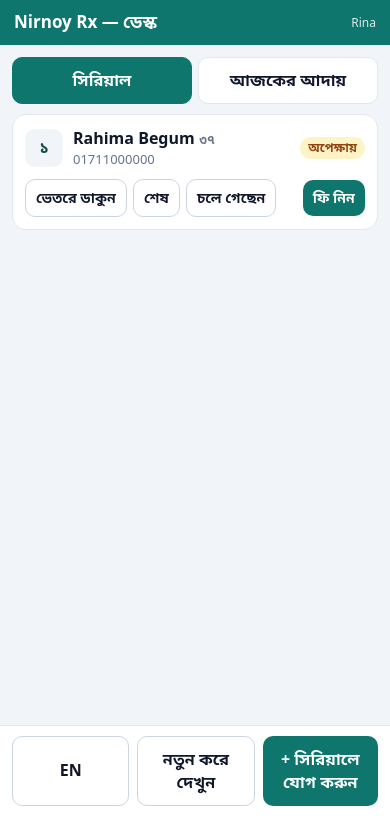
Your assistant can run the desk from their own phone — adding serials, calling patients in, taking fees. Nothing to buy, and no internet needed: on the chamber’s wifi the phone talks to your computer directly.
Pairing a phone
- On your computer, go to the Desk tab.
- Press Add a phone and a six-digit code appears.
- On the assistant’s phone, open the address shown on screen.
- Type the code in. This is also where you say what that phone may do.
| Permission | What that phone can do |
|---|---|
| Serials only | Add serials and see the queue. Cannot reach the money. |
| Serials and fees | The above, plus taking fees and seeing the day’s takings. |
| The whole desk | The above, plus the patient list and bookings. |
Under no permission does a prescription or a patient’s earlier visits reach the assistant’s phone.
If a phone is lost
Go to Desk → Phones and press Remove beside it. It stops seeing anything immediately. Adding it back needs a fresh code.
If this page did not get you there, write to support — tell us where it stopped making sense and we will fix the page too.