Getting started
Installing Nirnoy Rx
Putting Nirnoy Rx on a Windows or Mac computer, and what it asks the first time it opens.
Nirnoy Rx installs on your own computer — there is no website to log into. Once the file is downloaded it installs with no internet at all.
On Windows
- Download
NirnoyRx-Setup.exefrom nirnoyrx.com. - Double-click it. If Windows says the publisher is unknown, choose More info → Run anyway.
- When it asks where to install, the default is right.
- When it finishes, the icon is on your desktop.
That SmartScreen message is normal — a new signature takes time to build a reputation. Always download the file from nirnoyrx.com and nowhere else.
On a Mac
- Download and open
NirnoyRx.dmg. - Drag the Nirnoy Rx icon into your Applications folder.
- The first time, right-click the icon and choose Open.
The first time it opens
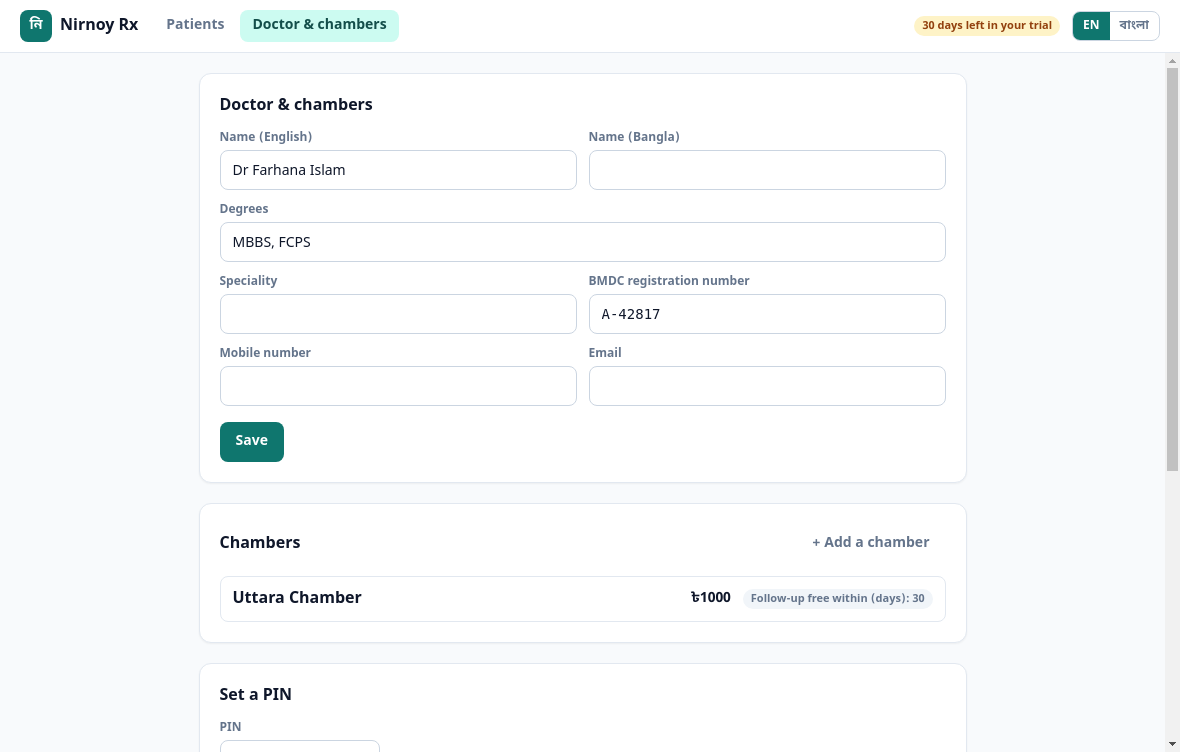
It asks for three things: a recovery passphrase, your name and degrees, and at least one chamber. The passphrase matters more than it looks — without it no backup can ever be opened, and that includes by us. Write it down, and keep it somewhere that is not the chamber.
What it needs
| Thing | How much |
|---|---|
| Windows | 10 or 11, 64-bit |
| macOS | 12 or later |
| Disk | About 400 MB |
| Internet | Not to install; once to check the licence |
If this page did not get you there, write to support — tell us where it stopped making sense and we will fix the page too.