

The diagnostic centre · Day to day
The counter and invoices
Opening a shift, invoicing tests, taking money — cash, card, bKash or split — and squaring up at the end of the day.
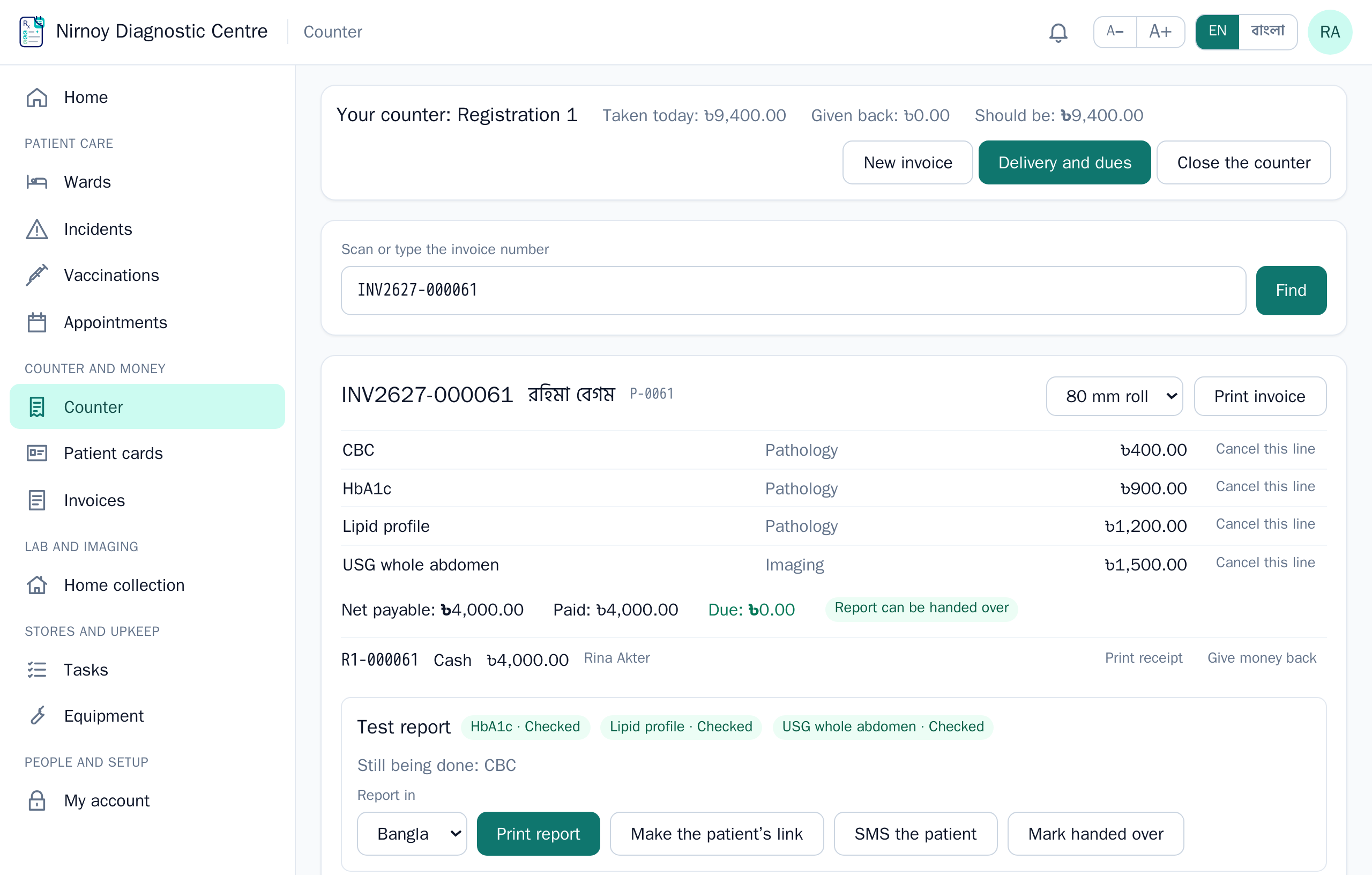
- In Counter open a shift at your counter, with what is in the drawer.
- Find the patient — by name, ID or mobile, or by tapping or scanning their patient card.
- Pick the tests or packages; the price and the room follow.
- Take what is paid now — one way or several — and make the invoice. Print the room slips and the receipt.
- At the end, Close the counter: write what you counted and any difference shows; the money is handed over to the accounts.
- A discount or refund above your limit needs a manager’s approval.
- A report waits while money is due, until it is paid or a manager allows it.
- Card-machine slips are later matched against the bank’s credit — Card machines.
- A corporate or insurance panel member’s bill is split between the panel and the patient — Panels.
An invoice never changes once printed. A mistake is put right with a credit note, with the reason.
If this page did not get you there, write to support — tell us where it stopped making sense and we will fix the page too.