

The diagnostic centre · Stores and accounts
Reports, Excel and reports by email
Every report with its chart and filters, downloadable to Excel; chosen reports emailed by themselves daily, weekly or monthly.
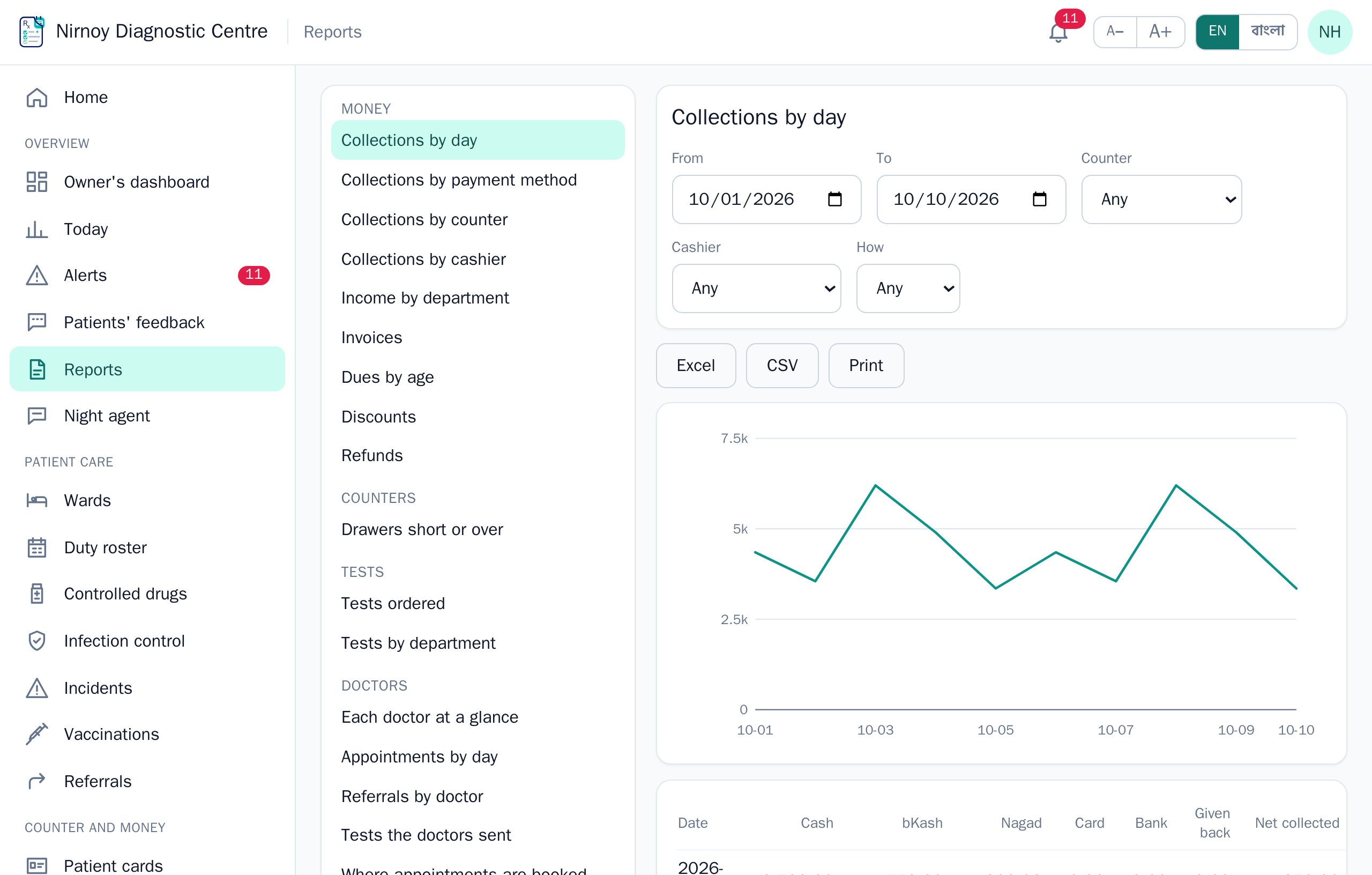
On Reports the reports are grouped — hospital, money, counters, tests, doctors, stock, accounts. Each person sees only the reports their role allows. Where there are wards or an emergency, the hospital’s reports are there too: bed occupancy by ward, admissions, discharges and census, length of stay, emergency by triage, theatre by surgeon, the blood bank, births and deaths, hospital-acquired infections.
- Choose a report on the left (on a phone, from the list at the top).
- Set the dates, and filter by whatever the report understands — counter, cashier, method, doctor or department.
- Excel gives an .xlsx file — amounts and counts stay numbers, so they add up in Excel. CSV and Print are there too.
Reports by email
An administrator opens Reports by email at the foot of the reports list. Each email holds the reports chosen — the first rows of each with its totals in the email itself, and all of them in full in one attached Excel file, a sheet for each report.
- Every day: yesterday’s figures. Every week: Saturday to Friday, sent on Saturday. Every month: the month before, sent on the first.
- You set the hour, the language (Bangla or English) and up to twenty addresses. Three ready-made sets — daily, weekly and monthly — are there to start from.
- Each period’s email goes once. If the computer was off at the hour, it goes when it is next on; if the mail server cannot be reached, it tries again an hour later and shows why on the screen.
- Send now sends the email for the period just finished, to see it.
If this page did not get you there, write to support — tell us where it stopped making sense and we will fix the page too.